Office 2021 Home and Business for Mac: The Short Version
Microsoft Office 2021 Home and Business for Mac is the one-time-purchase version of Office that puts Word, Excel, PowerPoint, Outlook and OneNote on a single Mac, with no monthly or yearly subscription attached. You buy the product key from us once, redeem it through your Microsoft account, download the installer from Microsoft, and the license stays yours for as long as you use that Mac. It is the natural choice for anyone who wants the classic Office apps on a MacBook, iMac or Mac mini without paying for Microsoft 365 every year.
| Product | Microsoft Office 2021 Home and Business for Mac, genuine product key |
|---|
| License type | Retail, perpetual (lifetime) license, no subscription |
|---|
| Devices | 1 Mac (Apple silicon or Intel) |
|---|
| Delivery | By email, typically within minutes of payment, with download instructions |
|---|
| Activation | Redeem the key with a Microsoft account, then sign in inside any Office app |
|---|
| Works for | macOS, the three most recent versions supported by Microsoft; Big Sur or later at release |
|---|
| Updates | Security and quality updates from Microsoft through October 13, 2026; the apps keep working after that |
|---|
| Guarantee | If the key does not activate and our team cannot fix it, we replace it or refund you |
|---|
What is Office 2021 for Mac and who is it for?
Office 2021 is the perpetual release Microsoft shipped in October 2021, and the Home and Business edition is the Mac version that includes Outlook. That single detail matters more than it sounds. The cheaper Home and Student edition leaves Outlook out, so if you run your email, calendar and contacts through a desktop client rather than a browser tab, Home and Business is the edition you actually want.
Who buys it? Freelancers who invoice from Excel and write proposals in Word. Small offices with a handful of Macs that would rather pay once than carry five subscriptions. Students and parents who tried the free web apps and hit their limits. Anyone who bought a new Mac, found no Office on it, and typed microsoft office for mac into a search bar. If you fall into any of those groups, this key gets you the full desktop apps, not a trimmed-down web version.
Which apps are included, and what is different from the Windows version?
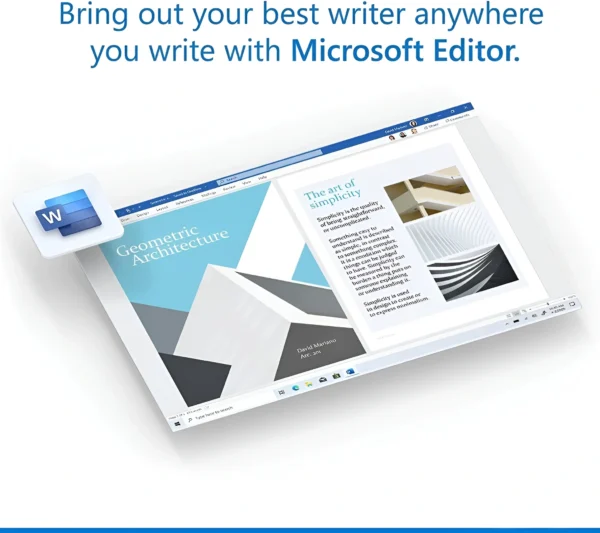
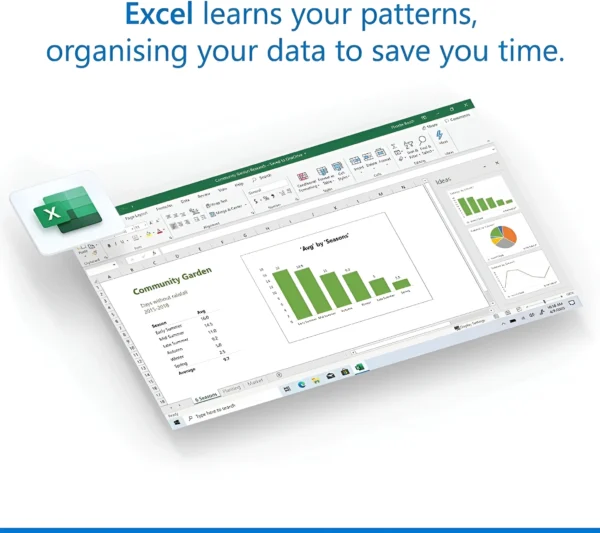
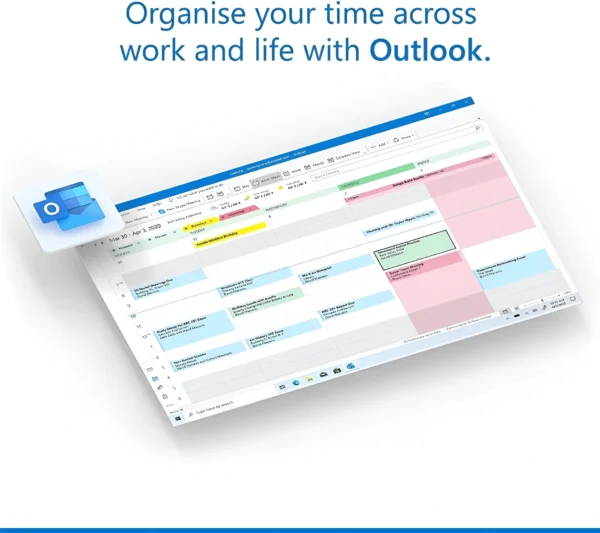
Office 2021 Home and Business for Mac installs five applications: Word 2021, Excel 2021, PowerPoint 2021, Outlook 2021 and OneNote. Word and Excel are the same document and spreadsheet formats you know from Windows, so files travel back and forth without conversion. PowerPoint 2021 added the newer design tools and the ability to record presentations with your camera. Outlook 2021 for Mac handles Exchange, Microsoft 365, Outlook.com, Gmail, iCloud and plain IMAP accounts.
Two apps that exist in the Windows suites are not part of any Mac edition: Access and Publisher. Microsoft never built Access for macOS, and Publisher is a Windows-only product. If you need a database front end on a Mac, the realistic options are Excel, a virtual machine running Windows with Office 2021 Professional Plus, or a web-based tool. We mention this up front because it is the single most common reason for a support ticket after a Mac purchase.
How does Office 2021 for Mac compare with Microsoft 365 and Office 2019 for Mac?
The comparison most buyers are really making is between a one-time key and a Microsoft 365 subscription. Both give you the same core apps on a Mac. The difference is in how you pay, how many devices you cover, and whether you get cloud storage and new features each month.
| Feature | Office 2021 Home and Business for Mac | Microsoft 365 Personal | Office 2019 Home and Business for Mac |
|---|
| Payment | One-time purchase | Monthly or yearly subscription | One-time purchase |
| Devices | 1 Mac | Up to 5 devices signed in at once | 1 Mac |
| Apps | Word, Excel, PowerPoint, Outlook, OneNote | Same apps plus OneDrive and Defender | Word, Excel, PowerPoint, Outlook, OneNote |
| Apple silicon | Native Universal builds | Native | Runs through Rosetta on newer builds |
| Cloud storage | Not included (free 5 GB OneDrive with any account) | 1 TB OneDrive | Not included |
| New features | Fixed feature set, security updates to Oct 2026 | Continuous monthly features | Out of support since October 2023 |
| Best for | One Mac, pay once | Several devices, want cloud extras | Older Intel Macs on a tight budget |
If you only have one Mac and do not care about a terabyte of cloud storage, the math favors the perpetual key within the first year. If you have a household full of iPads, phones and laptops, the subscription starts to make sense. We sell both kinds of customer what they need, so there is no pressure either way.
What are the system requirements for Office 2021 for Mac?
Office 2021 for Mac was the first perpetual Office release to ship as Universal binaries, meaning it runs natively on Apple silicon (M1, M2, M3 and M4 chips) as well as on Intel Macs. There is no Rosetta translation layer involved on a modern MacBook Air or Mac Studio, which shows up as faster launches and lower battery drain compared with older Office builds.
| Requirement | Office 2021 Home and Business for Mac |
|---|
| Operating system | macOS Big Sur 11 or later at release; Microsoft supports the three most recent macOS versions |
| Processor | Apple silicon (M1 and later) natively, or Intel Mac |
| Memory | 4 GB RAM |
| Storage | About 10 GB of free disk space |
| Display | 1280 x 800 or higher |
| Internet | Required for download, activation and updates |
| Account | Microsoft account (free) to redeem and sign in |
One practical note. Microsoft ties Office for Mac support to Apple's release cycle, so when a new macOS version ships, the oldest of the three supported versions drops off. The apps do not stop working on an older macOS, but you may stop receiving updates on it. If your Mac is stuck on Catalina or Mojave, look at Office 2019 Home and Business for Mac instead.
Retail, OEM or volume: which license is this?
This is a retail Home and Business license. There is no OEM channel for Office on Mac, and the volume licenses that large companies use activate differently and are not sold per seat to consumers. A retail key is the one you want as an individual or small business because it binds to your Microsoft account. Once redeemed, the license shows up under Services and subscriptions on your account page, and you can download the installer again from there whenever you need it.
Keep the Microsoft account you redeem the key with. The account, not the 25-character key, is what proves ownership later. If you wipe your Mac, sell it and buy a new one, or simply forget where you saved the email, signing in to that account is how you get Office back.
How do I install and activate Office 2021 on a Mac?
- Open the delivery email from OfficeGSM and copy the 25-character product key.
- Go to the Microsoft redemption page (office.com/setup) in Safari or Chrome and sign in with your Microsoft account, or create a free one.
- Paste the key, pick your country and language, and confirm. The page will tell you the product has been added to your account.
- Click Install to download the Office for Mac installer package (about 2 GB).
- Open the .pkg file, follow the installer, and enter your Mac password when asked.
- Launch Word from the Applications folder, click Sign in, and use the same Microsoft account. All five apps activate together.
- Open Word or Excel, choose Help, then Check for Updates, and let Microsoft AutoUpdate install the latest build.
The whole process takes fifteen to twenty minutes on a normal connection, most of it download time. If any app still shows an Activate Office banner after signing in, quitting and reopening it usually clears it. If not, our support team is available around the clock and will walk through it with you.
Why is an Office 2021 for Mac key this cheap, and is it legit?
The keys we sell are genuine Microsoft product keys that redeem on Microsoft's own site and activate against Microsoft's own servers. Nothing is cracked, patched or modified, and you download the software straight from Microsoft, not from us. The price gap compared with the box in a retail store comes from how we source licenses in volume and the fact that we do not print boxes, ship discs or pay for shelf space. You get an email instead of a plastic case, and the saving is passed to you.
We would rather be straightforward about what "cheap" means here. The key is a real retail Home and Business key for one Mac. It is not a shared volume key that stops working when someone else redeems it, and it is not a trial. If a key ever fails to redeem and our team cannot resolve it, we replace it or refund you.
Updates, support and lifecycle
Microsoft supports Office 2021, including the Mac edition, until October 13, 2026. Until then you receive security fixes and stability updates through Microsoft AutoUpdate. After that date the apps continue to open, edit and save exactly as before; what stops is new security patches from Microsoft. Many of our customers are still happily using Office 2016 and 2019 for Mac today, so end of support is not a countdown to a dead app, but it is worth knowing when you compare a 2021 key with an Office 2024 license.
Support from our side does not have an end date. If you reinstall macOS in three years and cannot find your key, write to us with your order number and we will help you recover it.
Who buys Office 2021 for Mac and what else should you look at?
Most orders for this product come from people who just bought a Mac and need the real Word and Excel, small businesses standardizing a few machines, and Windows users switching to Mac who want the same Outlook they had at work. If your Mac is older and Intel-based, the 2019 edition costs less and covers the same five apps. If you also run a Windows PC, Office 2021 Professional Plus is the matching Windows suite, and our Office for Mac category lists every Mac edition we carry side by side. For the broader range of one-time Office licenses, including Home and Student editions, start at the Microsoft Office section of the store.






Sebastian Baker (verified owner) –
Perfect solution for Mac users who don’t want Office 365. Everything activated on the first try.
Elizabeth Robinson (verified owner) –
No problems at all after installation. Word and Excel work just like they should. Very satisfied.
Henry Taylor (verified owner) –
Straightforward setup with clear instructions. Office feels smooth and well optimized for macOS.
Ava Hernandez (verified owner) –
Works great on my iMac. All apps open fast and no crashes so far. Good value for a lifetime license.
Paisley Brown (verified owner) –
I’ve been using it daily for work on my MacBook Air and it’s been very reliable. Happy with the purchase.