Office 2019 sits in a useful spot. It is modern enough to run on Windows 10 and 11 with the familiar ribbon interface, it opens every current .docx, .xlsx and .pptx file, and because two newer releases have shipped since, a Microsoft Office 2019 Professional Plus key costs noticeably less than 2021 or 2024. For a home office, a second computer, or a small business licensing several desks, it is often the most sensible purchase on this site.
Office 2019 brought Morph and Zoom transitions to PowerPoint, new funnel and map charts plus the TEXTJOIN, CONCAT, IFS and SWITCH functions to Excel, a Focus Mode and improved inking in Word, and Focused Inbox in Outlook. It was also the first perpetual Office to require Windows 10, which is why its performance and stability are a clear step up from 2016.
Editions
Edition
Applications
Best for
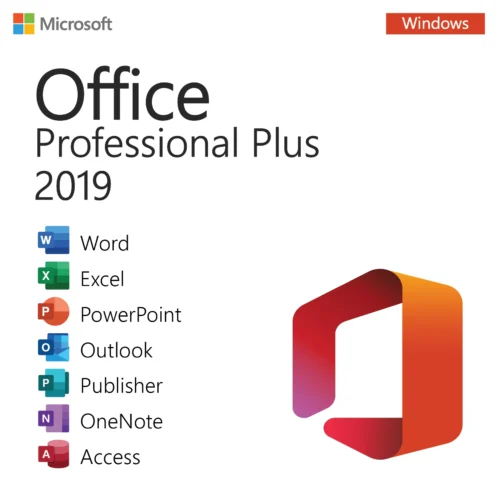
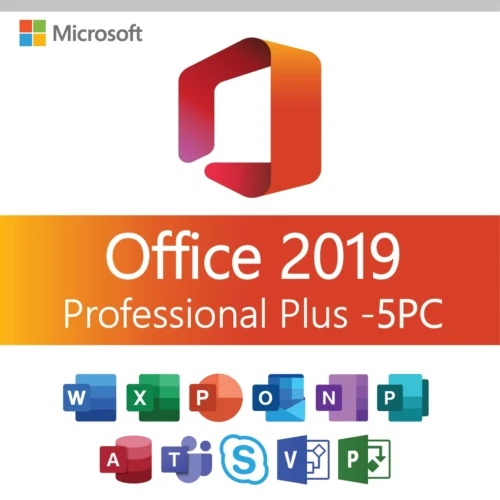
Office 2019 Professional Plus
Word, Excel, PowerPoint, Outlook, OneNote, Access, Publisher
The full suite for one PC.
Office Home & Business 2019
Word, Excel, PowerPoint, Outlook, OneNote
Outlook without Access and Publisher. Windows and Mac.
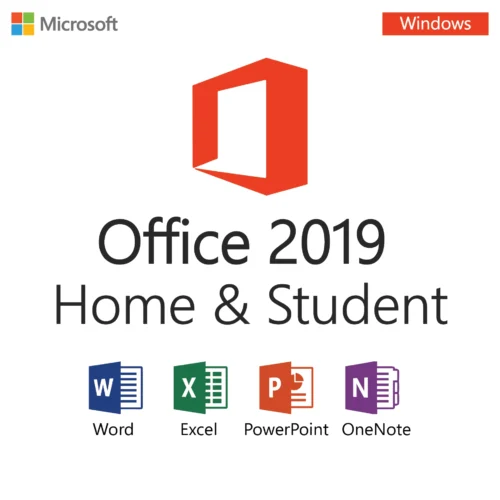
Office Home & Student 2019
Word, Excel, PowerPoint, OneNote
Personal and student use.
Office 2019 vs 2021 vs 2016
Versus 2021: 2021 adds XLOOKUP, dynamic arrays, dark mode and co-authoring. If you live in Excel, those are worth the difference. For letters, invoices and email, 2019 does the job identically and costs less.
Versus 2016: 2019 is faster, prettier and better supported on Windows 11, but it will not install on Windows 7 or 8.1. If the target machine runs an older Windows, Office 2016 is the one to buy.
Microsoft's support for Office 2019 ended in October 2025. As with every perpetual Office, that means no new security patches, not a dead product: the suite keeps working and keeps activating.
Requirements and Activation
Windows 10 or Windows 11; 1.6 GHz dual-core CPU; 4 GB RAM; 4 GB free space.
Mac editions require a recent macOS.
Order the edition you need. The Office 2019 product key and official download link are emailed within minutes.
Uninstall any existing Office or Microsoft 365 trial.
Install, open Word, enter the key, and sign in with a Microsoft account to store the license for future reinstalls.
One key per PC. Covered by our 180-day money-back guarantee: if it does not activate and we cannot fix it, you get a replacement or a refund.
Buyer questions
Is Office 2019 still a good buy?
Yes, for everyday use on Windows 10 or 11. It opens every modern file, runs fast, and costs less than 2021 or 2024. Choose a newer release only if you want the latest Excel functions or the longest support window.
Does Office 2019 work on Windows 7?
No. Office 2019 requires Windows 10 or later. For Windows 7 or 8.1 choose Office 2016.
Can Office 2019 open files created in Office 2024?
Yes. All releases since Office 2007 share the same file formats.
Does Office 2019 Professional Plus include Publisher?
Yes, along with Access.
Is it a subscription?
No. One payment, perpetual license, no renewal.
How many computers can I install it on?
One PC per key.
How is the key delivered?
By email, automatically, within minutes of payment.
How fast is delivery?
Your product key and download link are sent to your email address within minutes of payment, around the clock. If nothing arrives within 15 minutes, check your spam folder and then contact support.
Is it a genuine Microsoft key?
Yes. Every Microsoft Office 2019 key is a genuine Microsoft product key that activates through Microsoft’s own activation servers — genuine software, lifetime licence, updates for the life of the release.
What if the key does not work?
Contact our 24/7 support with your order number. We resolve the activation or replace the key; if we cannot, you receive a full refund under the 180-day money-back guarantee.
Customer reviews
What customers say
5.0 / 5 from 14 Microsoft Office 2019 customer reviews
“Great value for a lifetime license. All programs installed and activated successfully.”
“Office 2019 Pro Plus still works great. Excel, Outlook, and Word are fast and stable on all PCs.”
“Genuine key and fast delivery. Works perfectly on Windows 11.”
“Using it daily for work and it’s been very reliable. Activation was quick.”
“All programs included and working fine. Having one license for 5 PCs is very convenient.”
“Excellent for schoolwork. Installed quickly and the price was very reasonable. Five stars!”
“Easy setup with clear instructions. Office 2019 Pro Plus works exactly as expected.”
“Easy installation and clear instructions. Used it on both home and work PCs without problems.”
“Great product for home and school. All apps work perfectly and it’s a one-time payment. Very happy with my purchase.”
“Everything included in one package and no subscription required. Happy with this purchase.”
“Great solution for my office setup. Used it on several PCs and everything activated smoothly.”
“The key worked right away and I was able to set it up easily. Perfect for my laptop and office tasks. Great support when I had a small question.”