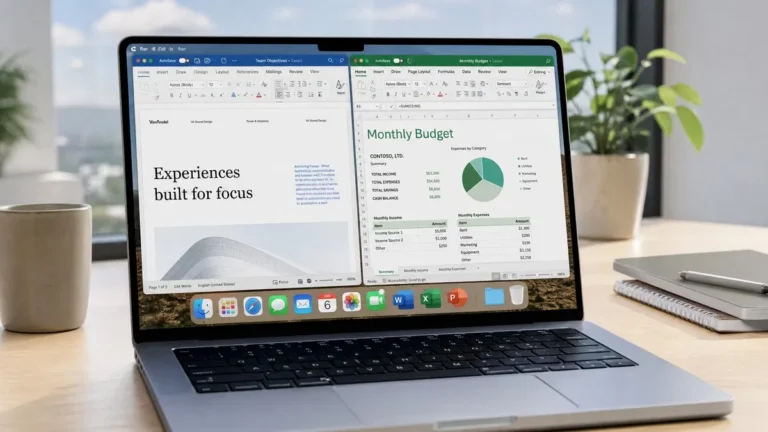
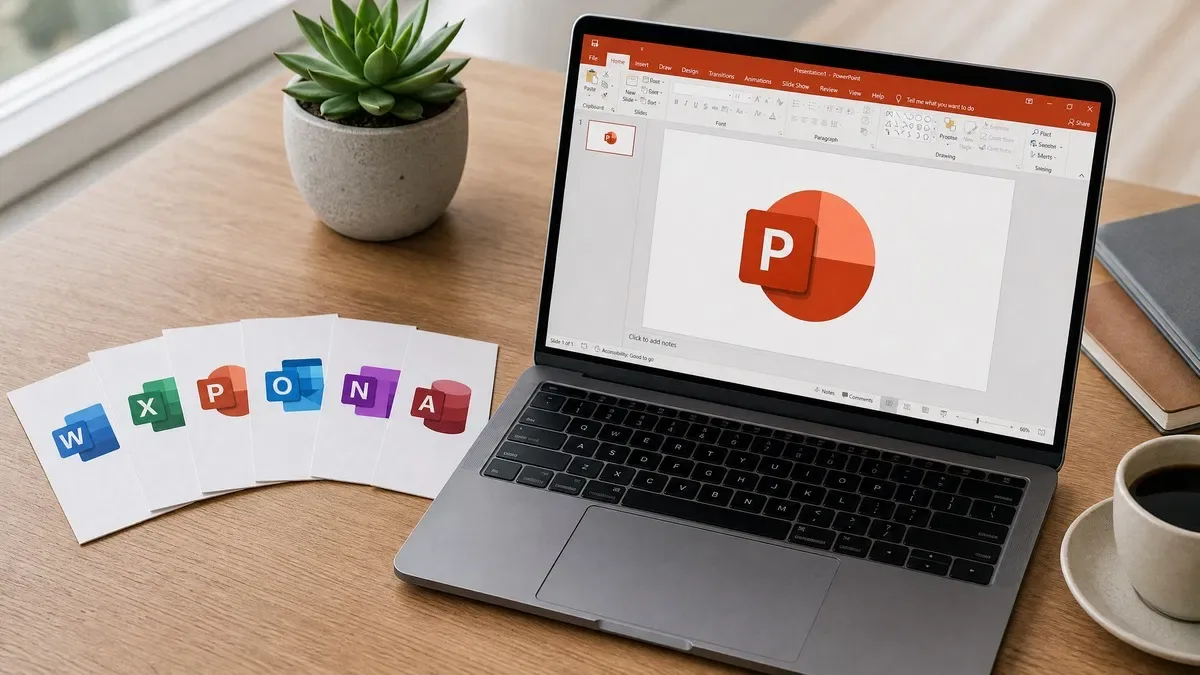
To compare Microsoft Office versions, start with the apps you need and the support deadline. Office 2016, Office 2019 and Office 2021 for Windows have all reached the end of Microsoft support. Office 2024 has a fixed feature set and a later support deadline. Microsoft 365 is a subscription whose features, device rights and services depend on the plan.
Office versions at a glance
| Version | Microsoft support status | What to consider |
|---|---|---|
| Office 2016 for Windows | Ended October 14, 2025 | Older workflows and compatibility needs; no new security fixes |
| Office 2019 for Windows | Ended October 14, 2025 | Fixed older feature set; no new security fixes |
| Office 2021 for Windows | Ended October 13, 2026 | Includes an earlier generation of Excel functions; now unsupported |
| Office 2024 / LTSC 2024 | Support ends October 9, 2029 | One-time purchase of the licensed version; check the exact edition and channel |
| Microsoft 365 | Requires a supported configuration and current subscription | Plan-based apps, services and feature updates |
These dates concern Windows releases. Mac releases can have different deadlines; see our Office for Mac comparison. A product can remain activated after Microsoft support ends, but activation does not extend its lifecycle.
Office 2016 and Office 2019
These versions may still be needed to reproduce an existing document or application workflow. Both Windows releases are out of Microsoft support, so they should not be treated as current supported software merely because a key remains available.
Before keeping an old installation, document which templates, macros or add-ins require it and test those dependencies in a supported version. Back up the original files. Consider the risk of opening downloaded documents in software that no longer receives security fixes.
For existing-version requirements, the Office 2016 Professional Plus and Office 2019 Professional Plus pages show the offered products. Check licensing rights and requirements before purchasing an older release.
Office 2021 vs Office 2024
Office 2021 brought functions such as XLOOKUP and dynamic arrays to that perpetual release. Office 2024 adds text and array tools, including TEXTSPLIT and VSTACK, plus the IMAGE function. The more consequential difference today is support: Office 2021 has ended, while Office 2024 has a later deadline.
Microsoft 365 continues to receive features that are not part of perpetual Office 2024. Do not assume a function works in Office 2024 simply because it appears in a Microsoft 365 workbook. Check the function’s documented availability and test files before changing versions.
Read our detailed Office 2021 vs Office 2024 comparison for compatibility checks and migration steps. Microsoft’s Office 2021 support notice explains what the end of support means.
Version and edition are different choices
The year identifies the release. The edition identifies the app package and licensing terms. An Office Home product, Home & Business, LTSC Standard and Professional Plus should not be treated as interchangeable offers.
- Word, Excel and PowerPoint: identify the core apps you need, then check the edition’s included-app list.
- Outlook: check that the edition includes the desktop Outlook application if you rely on local mail profiles or add-ins.
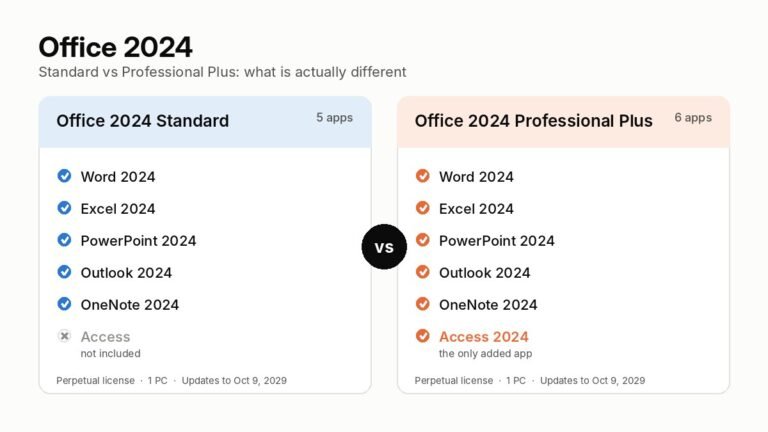
- Access: check a Windows edition that includes it; LTSC Standard does not.
- Publisher: it is absent from Office LTSC 2024, and the older app has reached the end of support.
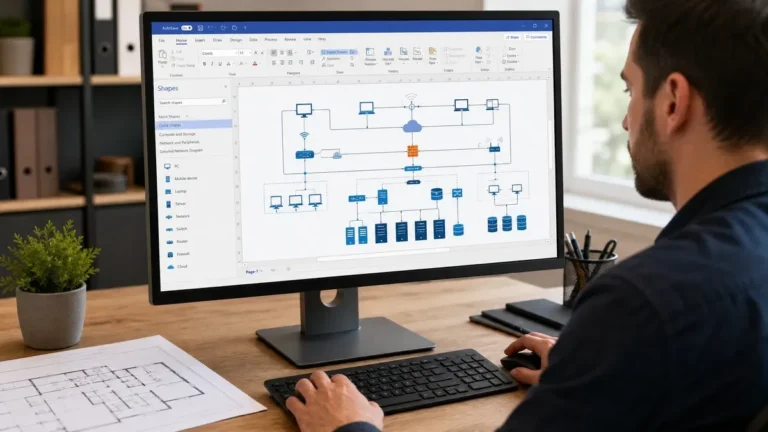
- Visio and Project: these are separate products; an Office suite does not automatically include them.
Microsoft describes Office LTSC 2024 as an organizational volume-licensing product. A product key alone does not identify the full licensing rights. For a business purchase, confirm the license channel, qualifying requirements, device count and documentation.
Office 2024 or Microsoft 365?
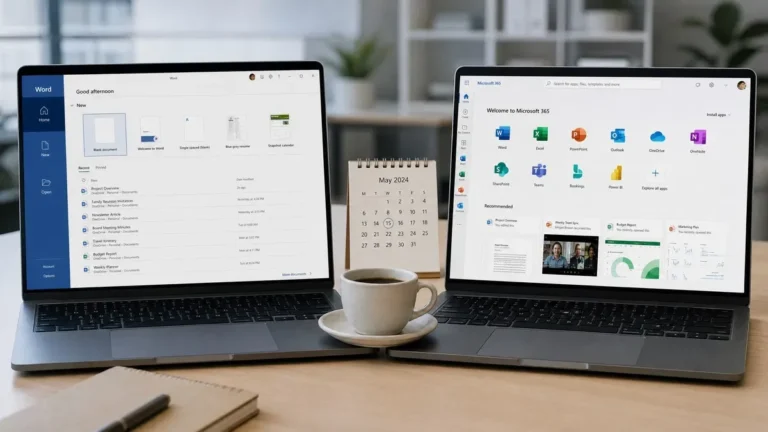
Choose by your workflow rather than a headline discount. A purchase of Office 2024 covers the licensed version under its terms. It does not automatically include the next Office release or subscription services. Microsoft 365 can include cloud storage, additional services and ongoing features, but the details vary by plan.
If you share files with a team, list the functions, macros, add-ins and collaboration services that the team actually uses. Test a sample workbook and presentation. For long-term costs, compare the current purchase price with the current subscription price over your intended period of use, while allowing for version upgrades and service differences.
Our Office 2024 vs Microsoft 365 guide explains those tradeoffs. Check Microsoft directly for the latest plan inclusions and subscription pricing.
Before you buy
- Confirm the device, operating system and hardware meet Microsoft’s current requirements.
- Choose the correct apps and edition for personal or business use.
- Confirm the license channel, region restrictions, device count and any transfer rights.
- Check Microsoft’s support deadline separately from the license term.
- Keep the invoice and licensing records, and use official Microsoft software sources.
Browse Office 2024 products, compare Professional Plus with LTSC Standard, or ask OfficeGSM about a specific requirement. Use the installation and activation guides after purchasing. The 180-day refund policy explains refund eligibility.
Within Office 2024 itself there are two perpetual editions, and the choice between them comes down to one app. See Office 2024 Standard vs Professional Plus for the full comparison.
Frequently asked questions
Which Office version should I buy for a new installation?
Compare a supported Office 2024 edition with an appropriate Microsoft 365 plan. Choose the app package and license terms that fit your device and intended use. Office 2021 and earlier Windows releases are now out of Microsoft support.
Does buying a new key restart support?
No. Support dates belong to the software release, not the date on which a key is purchased or activated.
Will older Office documents open in a newer version?
Common Office file formats are widely shared, but specific formulas, macros, add-ins and layout features can differ. Test copies of important files before replacing your working installation.
Does Professional Plus include Visio and Project?
No. Visio and Project are separate products unless an offer explicitly includes separate licenses for them.